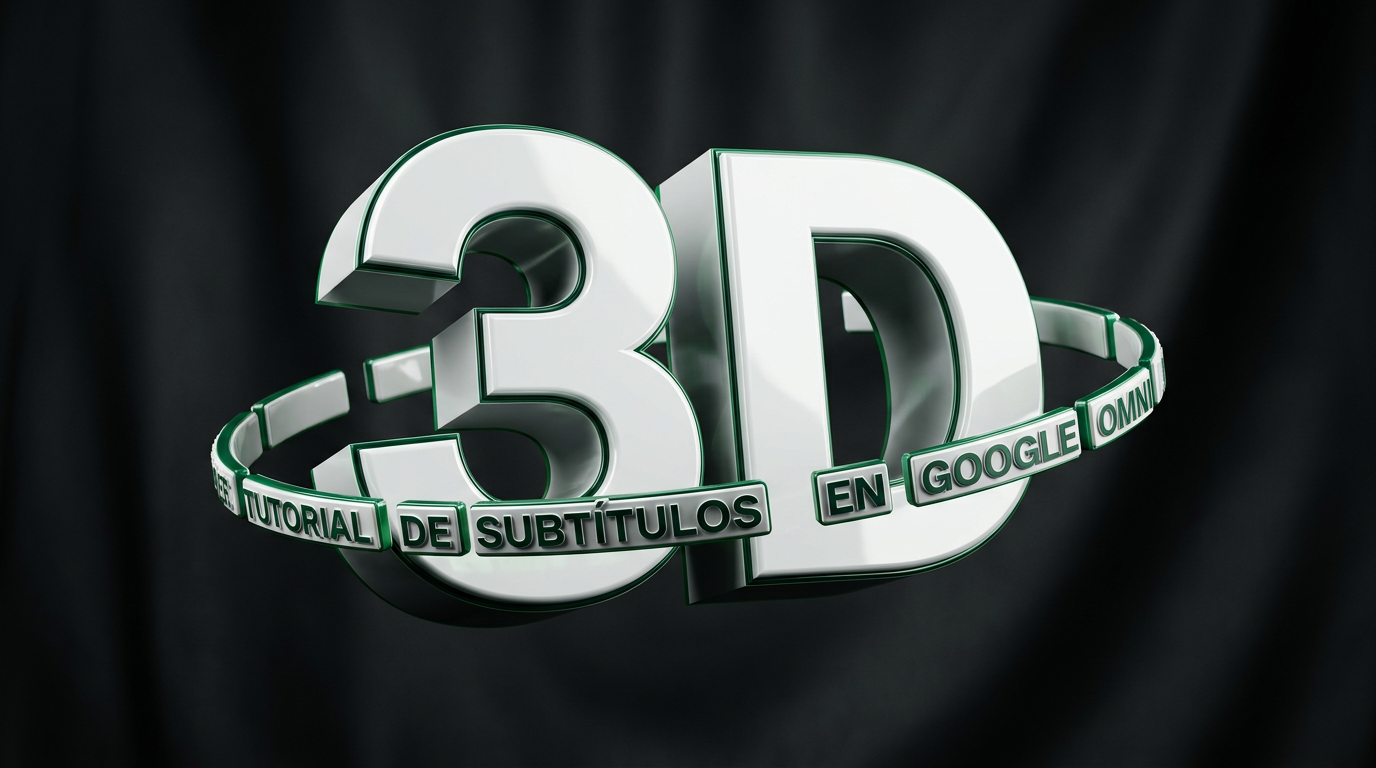
Subtítulos 3D
con Google Omni
Convierte cualquier video en contenido premium con subtítulos 3D cinemáticos que flotan sobre la persona, sincronizados con la voz. Un prompt listo para copiar + 2 bonus.
- HerramientaGoogle Flow · Omni
- NecesitasUn video de menos de 10 s
- ResultadoSubtítulos 3D
Lo que necesitas.
- Un video de menos de 10 segundosGrabado con espacio sobre la cabeza: ahí es donde aparecen los subtítulos 3D. Si no hay aire arriba, usa el Bonus 1.
- Una cuenta en Google FlowPara usar el modelo Gemini Omni, que es el que anima los subtítulos sobre tu video.
- Tu transcripción (opcional)Escrita por frases dentro del prompt. No es obligatoria, pero ayuda a que salga bien casi a la primera y gastes menos créditos.
De tu video a tus subtítulos 3D.
Create dynamic 3D subtitles that appear in sync with the spoken words, positioned clearly above the main person’s head in the empty space at the top of the frame.

The subtitles should always stay in the upper safe area of the video, floating above the character, never overlapping the face, eyes, forehead, hair, mouth, or body. No part of the subtitle should appear behind the person’s head, behind the hair, or partially hidden by the character. The text must remain fully visible in front of the background and completely separated from the person.

The subtitles should feel like physical 3D text floating in real space, with realistic depth, extrusion, soft shadows, subtle perspective, and natural interaction with the camera angle. Use a clean, modern, bold typography style: [Space Grotesk].

Subtitle color: [white].

Keep the text highly readable, with strong contrast against the background. Add subtle ambient occlusion, soft drop shadows, and a slight beveled edge so the words feel dimensional but not cartoonish.

Animate each phrase with smooth motion: words should pop in naturally above the speaker’s head, slightly scale up, hold briefly, and settle into place with a polished editorial social-media style. The text should follow the rhythm and emotion of the speaker, appearing phrase by phrase rather than all at once.

Maintain consistent spacing between the subtitles and the top of the person’s head. Leave enough breathing room so the text feels intentionally placed in the air above the character, not attached to the head or floating too close to the face.

Keep the subtitles centered or slightly offset depending on the available headroom, but always inside the visible frame. Do not crop the text. Do not place the text near the lower body, chest, hands, or face.

Maintain a premium creator-style look, similar to high-quality short-form video captions, clean 3D kinetic typography, and modern Instagram/Reels editing.

Do not change the person, clothing, room, lighting, camera framing, or background. Only add the animated 3D subtitles above the person’s head.
Si tu personaje está cerca de la cámara y no queda aire sobre su cabeza, usa esta variante. Los subtítulos 3D aparecen en la parte inferior del cuadro, donde normalmente van los subtítulos, sin tapar la cara.
Create dynamic 3D subtitles that appear in sync with the spoken words, positioned in the lower area of the frame, where subtitles are traditionally placed.

The subtitles should stay in the lower safe area of the video, floating in front of the scene, never overlapping the face, eyes, or mouth of the person. The text must remain fully visible in front of the background and clearly readable over the lower part of the frame.

The subtitles should feel like physical 3D text floating in real space, with realistic depth, extrusion, soft shadows, subtle perspective, and natural interaction with the camera angle. Use a clean, modern, bold typography style: [Space Grotesk].

Subtitle color: [white].

Keep the text highly readable, with strong contrast against the background. Add subtle ambient occlusion, soft drop shadows, and a slight beveled edge so the words feel dimensional but not cartoonish.

Animate each phrase with smooth motion: words should pop in naturally, slightly scale up, hold briefly, and settle into place with a polished editorial social-media style. The text should follow the rhythm and emotion of the speaker, appearing phrase by phrase rather than all at once.

Keep the subtitles centered in the lower third, always inside the visible frame. Do not crop the text. Do not cover the face.

Maintain a premium creator-style look, similar to high-quality short-form video captions, clean 3D kinetic typography, and modern Instagram/Reels editing.

Do not change the person, clothing, room, lighting, camera framing, or background. Only add the animated 3D subtitles in the lower area of the frame.
Si quieres un estilo de letra 100% tuyo, sube al chat una imagen de referencia con tu alfabeto 3D y usa este prompt. La IA replicará el material, profundidad, texturas y personalidad de esas letras en las palabras que dice la persona en tu video.
Descarga esta imagen de ejemplo (alfabeto Space Grotesk) para probarlo, o usa la tuya propia:

Animate the spoken words as dynamic 3D subtitles, using the uploaded alphabet reference image as the visual style guide for the typography.

Recreate the same overall 3D lettering style, material, depth, volume, texture, highlights, shadows, bevels, proportions, and visual personality shown in the reference image, but apply it to the actual words being spoken by the person in the video.

The subtitles must appear phrase by phrase, synchronized with the speaker’s voice, floating in 3D space above and around the main person. Keep the text clearly positioned in front of the scene but visually layered above the character, without covering the face, eyes, or mouth.

Make the words feel physically present in the environment, with realistic perspective, depth, soft shadows, ambient occlusion, and lighting that matches the original video. The text should feel integrated into the camera angle and scene, not pasted on top.

Animate each phrase with polished kinetic motion: smooth pop-in, slight bounce or scale-up, subtle settling movement, and clean transitions between phrases. The movement should match the rhythm and emotion of the speaker.
¿Quieres videos así para tu marca?
Este recurso es el punto de partida. Si quieres que lo aterricemos juntos en tu proyecto, o que te enseñe todo lo que sé, hay dos formas de trabajar conmigo.
Charla de 15 min
Me cuentas tu proyecto y qué tienes en mente, y te digo con honestidad si puedo ayudarte. Sin compromiso, sin venta agresiva.
Agendar charlaAsesoría 1 a 1
Una hora para enseñarte lo que sé: revisamos lo que ya tienes, resolvemos tus dudas y te llevas un plan claro para aplicarlo en tu negocio.
Agendar asesoríaEtiquétame en Instagram cuando publiques tu video y lo comparto en mis stories.
— Paco
@pacocuevas.iaMás recursos.

Carruseles con movimiento con Claude
Descarga la guía en Markdown para que Claude te ayude a crear carruseles de Instagram en video MP4 o en imagen PNG, con tu propio estilo visual y efectos de sonido.
Ver recurso
Globos 3D de Halloween con IA
Descarga la guía para convertir tu foto en sketch, wireframe 3D y globos de Halloween con ChatGPT Images 2.5 y Weavy, más el prompt para animarlo con Kling.
Ver recurso
Editor de video con IA
Descarga la guía en Markdown para armar con Claude Code tu propio editor de Reels: tu marca, tus estilos de animación, subtítulos y control de calidad automático.
Ver recurso
Modern Cartoon
Convierte cualquier foto en una caricatura moderna estilo vector 3D con IA, manteniendo tu identidad, pose y ropa. Prompt listo para copiar + flujo de Weavy ya configurado.
Ver recurso
Posters de Ciudad con IA
3 prompts para generar posters de viaje de cualquier ciudad del mundo. Estilo línea minimalista, ilustración collage y tipografía con escenas — sin diseño, solo IA.
Ver recurso
Tu Poster de Jugador FIFA 2026
Genera un poster hiper-realista de jugador al estilo campaña oficial FIFA 2026. Personaliza el equipo, número de jersey y nombre — sin edición, solo con IA.
Ver recurso