Motion Graphics
con Google Flow
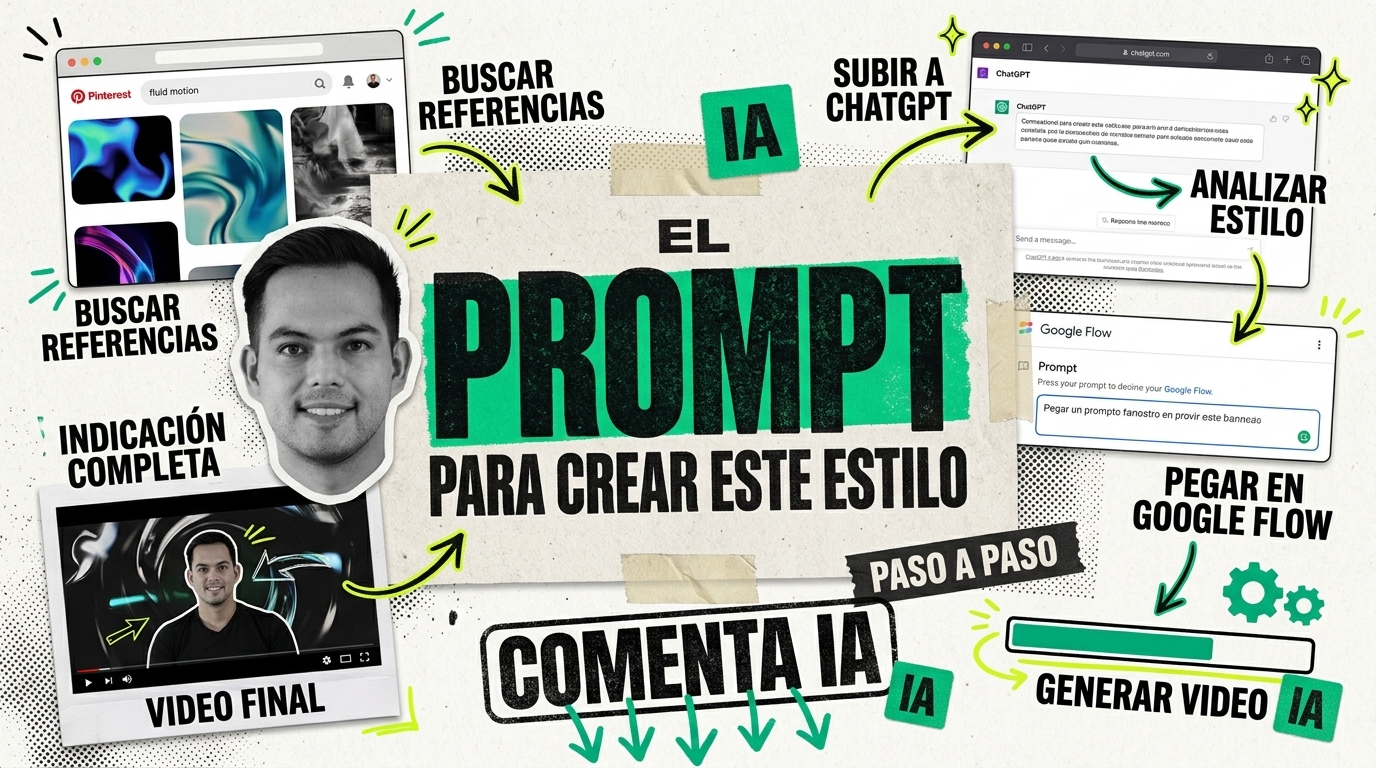
3 fases para convertir tu video hablando a cámara en un motion graphic editorial de nivel estudio. ChatGPT analiza tu estilo visual y genera el prompt. Google Flow hace la magia.
- HerramientasChatGPT · Google Flow
- NecesitasUn video hablando a cámara
- Fases3 + bonus
Lo que necesitas.
- Un video tuyo hablando a cámaraCon tu teléfono basta. No necesitas producción perfecta: Google Flow conserva tu identidad y lo transforma.
- 3 a 5 referencias visualesDel estilo que quieres replicar (collage editorial, stop-motion, motion graphics). Puedes inspirarte en mi tablero de Pinterest.
- ChatGPTEs tu director creativo: analiza tus referencias y escribe el prompt para Google Flow.
- Google Flow con el modelo Gemini OmniEs el que genera el video final. Sin Omni el workflow no funciona.
De tu video al motion graphic.
Mi tablero de referencias
Sube tus imágenes de referencia a ChatGPT junto con el prompt de abajo. ChatGPT analiza el estilo visual de tus referencias y genera un prompt detallado para Google Flow.
I uploaded [X] motion graphic-style references.
VOICEOVER SCRIPT
Scene 1:
[00:00] [TU GUIÓN AQUÍ]

Scene 2:
[00:05] [TU GUIÓN AQUÍ]


Analyze all motion graphic references first, then create a detailed Gemini Video Prompt that translates the style into a standalone creative direction for the source video.
Important output rule:
Do not mention "reference image," "uploaded reference," "style reference," or "based on the references" in the final Gemini prompt. The final prompt must be written as if the style direction is already fully understood. Describe the visual language directly and specifically, without telling Gemini to look back at the references.
Critical identity rule:
The person in the final video must be the exact same person from the source video. Do not invent a new face. Do not replace the person with a generic stock face. Do not change ethnicity, age, facial structure, hairstyle, facial hair, expression style, or recognizable identity. Every photo cutout, floating head, bobblehead, full-body collage character, Polaroid frame, and typography composition must use the source video person's actual face and likeness. The face should remain recognizable in every shot, even when stylized with halftone, paper texture, or collage treatment.
The final prompt should explicitly tell Gemini to extract the person's face and body from the source video and reuse that same identity throughout the whole motion graphic.

STYLE REQUIREMENTS
Animation
- Agile stop-motion
- 12 FPS
- No motion blur
- Snappy frame-by-frame movement
- Intentional handmade jitter
- Fast object swaps and paper repositioning
Typography
- Fast kinetic text pop-ups
- Bold condensed fonts
- Stamp texture treatment
- Word-by-word impact timing
- Oversized editorial headlines
- Paper label captions
- Black ink and electric yellow emphasis words

Camera
- Dynamic fast zooms
- Punch-ins
- Whip-pan transitions
- Fast crash zooms
- Snap pullbacks
- Rotating collage board transitions
- Close-up macro shots of paper texture, tape, stamps, and cutout edges

Movement
- Organic paper cutout motion
- Visible drop-shadow shifts
- Stop-motion layer sliding
- Polaroid frames slapping onto screen
- Torn paper wipes
- Tape strips peeling and snapping down
- Cutout heads bouncing, rotating, and scaling
- Full-body paper character moving like a puppet

Mood
- Highly energetic
- Bold
- Tactile
- Cinematic editorial style
- Fast, playful, premium, and handmade
Color Palette
- Off-white
- Charcoal black
- Electric GREEN accents #009f7d
- Occasional muted red or teal only if needed for contrast, but keep yellow as the main accent

OUTPUT
Create a scene-by-scene Gemini Video Prompt that follows the voiceover script above and recreates the analyzed motion graphic style as a standalone creative direction.
The final prompt must include:
- Strong identity preservation instructions
- Visual direction for every shot
- Camera movement
- Typography animation
- Object movement
- Composition
- Character treatment
- When to show floating head cutouts
- When to show full-body paper character
- When to show Polaroid/photo-frame treatment
- Transitions
- Texture treatment
- Timing and pacing

The video should feel like a premium editorial motion graphic created by a top motion design studio.
Again, do not reference the uploaded images in the final Gemini prompt. Extract their style, then write the final Gemini Video Prompt as a direct production brief.
Reply in just a ready and copy paste prompt without any other comments.
Para complementar tu contenido principal, puedes crear escenas explicativas tipo B-roll usando solo texto como input — sin necesidad de grabarte. Ideal para mostrar interfaces, pasos de tutorial, búsquedas web o cualquier escena donde la acción ocurre en pantalla.
Act as a creative director expert in editorial motion graphics, animated collage, digital stop-motion, and AI-generated videos.

STEP 1 — STYLE EXTRACTION:
I have uploaded [X] reference images that define the visual style I want to replicate. Analyze all reference images first and extract the visual language: colors, textures, typography treatment, animation style, motion patterns, composition, and mood.

Do NOT mention "reference image," "uploaded reference," "style reference," or "based on the references" anywhere in the final output. Write the style direction as if it is already fully understood.

STEP 2 — VIDEO PROMPT CREATION:
Using the extracted style, create a detailed Gemini Video Prompt for an explanatory scene.

MY IDEA / PHRASE / ACTION TO CONVERT:
[ESCRIBE TU IDEA AQUÍ]
Example: "Step 1: search for reference images on Pinterest with an editorial collage design style. Show only the Pinterest web interface on a computer, while searching, selecting and saving key images."

VOICEOVER OR ON-SCREEN TEXT:
[ESCRIBE TU GUIÓN O FRASE AQUÍ]
Example:
Scene 1:
[00:00] Step 1: search for visual references
[00:02] on Pinterest
[00:04] select and save key images

APPROXIMATE DURATION:
[DURACIÓN — Ejemplo: 5 segundos]

SCENE TYPE:
[TIPO DE ESCENA — Ejemplo: tutorial explicativo, pantalla de computadora, búsqueda web, proceso creativo, llamada a la acción, demostración paso a paso]

IMPORTANT RULES:
- Do not say the video is based on references.
- Do not use phrases like "reference image," "uploaded reference," "style reference" or "based on the references."
- Write the result as standalone creative direction for Gemini.
- The final prompt must include: visual direction, camera movement, typography animation, object movement, composition, transitions, texture treatment, timing and pacing.
- Divide the prompt by scenes and timestamps.
- The result should feel like a premium editorial motion graphic created by a professional design studio.
- If a person appears in the scene, extract them from the source video. Maintain their exact face, body, age, ethnicity, facial structure, hairstyle, facial hair, expressions, posture, and recognizable features. Do not invent a new face or use a generic character.

OUTPUT:
Reply only with the final Gemini Video Prompt, ready to copy and paste.
¿Quieres videos así para tu marca?
Este recurso es el punto de partida. Si quieres que lo aterricemos juntos en tu proyecto, o que te enseñe todo lo que sé, hay dos formas de trabajar conmigo.
Charla de 15 min
Me cuentas tu proyecto y qué tienes en mente, y te digo con honestidad si puedo ayudarte. Sin compromiso, sin venta agresiva.
Agendar charlaAsesoría 1 a 1
Una hora para enseñarte lo que sé: revisamos lo que ya tienes, resolvemos tus dudas y te llevas un plan claro para aplicarlo en tu negocio.
Agendar asesoríaEtiquétame en Instagram cuando publiques tu video y lo comparto en mis stories.
— Paco
@pacocuevas.iaMás recursos.

Carruseles con movimiento con Claude
Descarga la guía en Markdown para que Claude te ayude a crear carruseles de Instagram en video MP4 o en imagen PNG, con tu propio estilo visual y efectos de sonido.
Ver recurso
Globos 3D de Halloween con IA
Descarga la guía para convertir tu foto en sketch, wireframe 3D y globos de Halloween con ChatGPT Images 2.5 y Weavy, más el prompt para animarlo con Kling.
Ver recurso
Editor de video con IA
Descarga la guía en Markdown para armar con Claude Code tu propio editor de Reels: tu marca, tus estilos de animación, subtítulos y control de calidad automático.
Ver recurso
Modern Cartoon
Convierte cualquier foto en una caricatura moderna estilo vector 3D con IA, manteniendo tu identidad, pose y ropa. Prompt listo para copiar + flujo de Weavy ya configurado.
Ver recurso
Subtítulos 3D con Google Omni
Convierte cualquier video en contenido premium con subtítulos 3D cinemáticos generados por IA con Google Omni. Prompt listo para copiar + 2 bonus (subtítulos abajo y tipografía personalizada).
Ver recurso
Posters de Ciudad con IA
3 prompts para generar posters de viaje de cualquier ciudad del mundo. Estilo línea minimalista, ilustración collage y tipografía con escenas — sin diseño, solo IA.
Ver recurso